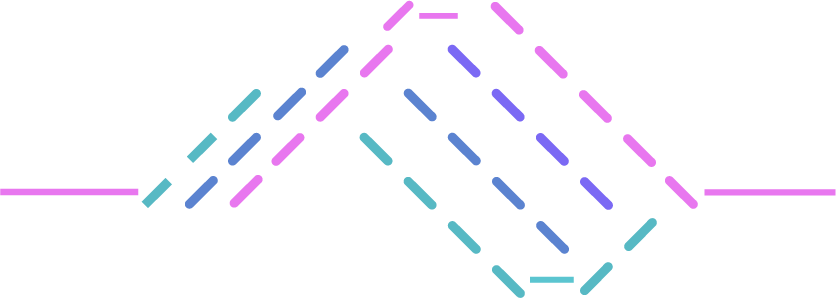
What is a workflow?
A workflow is a saved sequence of agents that Console runs against your repositories. Where chat is a conversation you drive turn by turn, a workflow is the same agents running unattended: you define the sequence once, and Console executes it whenever you fire it manually or when a pull request opens. Workflows are where the other two layers pay off. The harness gives you agents, skills, and detections; context gives them your code and your vendors’ signal. A workflow puts those to work on a schedule, with no one in the loop, and delivers the result to where your team already works. A typical workflow scans a repository for vulnerabilities, then hands what it found to a second agent that authors reusable detections or generates patches — and finally posts the result back to the pull request that started it.Anatomy of a workflow
Every workflow is made of four parts. Only the first two are required.The description does real work. Console’s orchestrator reads it as the goal of the whole workflow and
quotes it into each agent’s briefing, so a vague description produces vague step instructions. See
Create a workflow for how to write one.
What happens during a run
When a workflow fires, Console does the following for each repository you targeted:- Creates a run. Every run gets its own record, visible under Runs.
- Snapshots the definition. The run captures the workflow’s name, description, and steps as they are at that moment. Editing the workflow later never changes a run that is already in flight.
- Provisions an isolated sandbox and clones the repository into it. For pull-request runs, it clones the pull request’s head — not the default branch.
- Runs the chain in order. An orchestrating agent spawns each step’s agent one at a time, waits for it to finish, and passes the relevant parts of earlier steps’ results into the next briefing.
- Stops on failure. If a step fails, the run stops there and later steps do not run.
- Records findings from the run, and dispatches your outputs once the run completes.
Where workflows live
- Workflows — the list of workflows in your organization, with a run count for the last 7, 30, or 90 days. This is where you create, edit, and manually fire them.
- Runs — the execution history for every workflow, including per-step status, findings, and whether each output was delivered.
Next steps
Create a workflow
Walk through the editor section by section.
Build the agent chain
How steps run in sequence and how to order them.
Configure triggers
Fire on pull requests, or run on demand.
Configure outputs
Post comments and gate merges on review.
Run and monitor
Fire a workflow and read its run history.